How to make scientific data archives AI-ready


Software Engineer
Context: No scientific AI without data
AI tools have the potential to significantly increase scientific productivity, but their utility for science is bottlenecked by how much data they can reach, both for agentic use and foundation model training. This is unfortunate, since most scientific data is locked in various data archives that were not optimized for human access, let alone designed with agents or foundation models in mind. Frontier labs know this - notice Anthropic recently donated to multiple scientific data archives.
Problem: Scientific data is stuck in files
The core problem is that most scientific data is stuck in files. The data was generated as files, and existing archives usually choose to simply catalog those files.
Unfortunately, scientists do not care about files.
“I want OR_ABI-L2-CMIPF-M6C13_G16_s20210631520167_e20210631529486_c20210631529564.nc”
Instead, when scientists want to interact with data (traditionally, through agents, or via foundation models), they often couch their requests in terms of datasets and queries.
“I want GOES-16 band 13 over Gulf of Mexico, 2021”
(Note this mental request structure predates LLMs, but now it’s quite literally what people type.)
Datasets are the key entity here: even if the user query doesn’t explicitly name a dataset, the first step is almost always to work out which datasets contain data relevant to a query. The individual files which make up each logical scientific dataset (e.g. GOES-16) are irrelevant, they are merely an implementation detail.
Question: Where is the data you want?
The real question that a productive scientific data archival system should be able to quickly answer is “where exactly is the data the user wants?”
The status quo today is that many systems present the user with a large number of opaque files with no global structure.
For example a user looking for GOES-16 data first has to find the relevant public NOAA NODD bucket, but will then be presented with 300,000 opaque netCDF files with names like OR_ABI-L2-CMIPF-M6C13_G16_s20210631520167_e20210631529486_c20210631529564.nc.


What the user needs is to quickly find, retrieve, and decode the minimum data that will satisfy their query. How do you design a system which serves human and AI users alike?
Step 0: Place data in scalable, addressable storage
The data needs to be accessible, which means placing it in some kind of scalable, addressable storage. Object storage works very well for this - it scales smoothly to hundreds of PetaBytes, uses a simple key-value interface, and supports public or authenticated access.
Most scientific archives have moved to object storage, for example NOAA NODD had made more than 24 PB available in the cloud by 2023. Unfortunately many did so via a “lift-and-shift” - i.e. just schlepping their files straight from a filesystem server to object storage with no other changes or cataloging.
Step 1: Index your chunks
So our data system should somehow logically group all files for one dataset into a single entity. We can do this by creating some kind of index over the contents of the files.
However, our index should not literally be an index of filenames. Most scientific file formats (e.g. NetCDF/GRIB/GeoTIFF) contain chunks, which can be fetched individually from object storage via HTTP range requests. A individual compressed chunk is the “minimum usable unit”, since most compression algorithms do not allow you to decompress just part of a chunk. This means that to serve a query in the maximally efficient way, you generally want your system to return chunks instead of whole files.


For many workloads this distinction between chunks and files can make an enormous difference in query efficiency. For example, extracting a timeseries from GOES-16 at a single location on the disk requires fetching 576x less data if you fetch chunks rather than files. NASA achieved a 100x speedup in common queries using this approach.


So how do we create this chunk index? If your data is written in a format like Zarr or Icechunk they are already effectively indexed (since this is a key part of the definition of a “cloud-optimized format” - see our explainer post). If not we can scan the files once up front to get chunk indexes for each, combine them into one dataset-level index, and save the result to Icechunk. Not only is this “virtual ingestion” process zero-copy, a small agile org can do this without permission of larger org, as long as the data is accessible. See our blog post about virtual chunks for more detail.
Step 2: Co-locate metadata with data
Now we have a chunk index (a form of metadata), where do we put that metadata? This is the single most important architectural choice, but there are really only 3 options:

-
Metadata inside files
Sane file formats such as HDF are self-describing, meaning that they already contain file-specific metadata inside each file. The status quo is to leave this as-is, implicitly making the architectural choice that metadata should live in the same objects as the binary chunk data.
However, this makes most queries extremely slow - the user (human or agent) has to find the correct files, then either parse all its metadata (which can be very slow in object storage) or download the whole thing (very inefficient), to finally get at the specific chunks the query actually required.
There is also no guarantee of consistency between files. Often archive landing pages say that all the files have a certain structure, but when you actually open them you find that some are different/corrupted/missing etc.
-
Global metadata catalog
The opposite choice would be to take all the metadata for all files, and copy it into one database, to act as global catalog over all datasets. Unfortunately this design creates multiple serious problems.
Firstly, the size of the database scales with both the number of datasets and the size of each dataset. Cataloging any massive datasets create a much larger amount of state for the database to track, increasing server costs.
Even worse, the load on this global database scales with the amount of data the users request. Power users trying to fetch entire archives for AI model training runs need to hit the global database for every single chunk/file, causing load balancing issues that affect all other users. This is exactly what has happened with NASA CMR (“Common Metadata Repository”) - a single database for all of NASA’s “granules” (i.e. files), which is now seriously struggling to handle the load of users attempting to train AI weather models on their archives. This problem is only exacerbated by agents searching catalogs much more frequently than humans can by hand.
Finally since the database is updated separately from the data, there is nothing guaranteeing that the two are kept in sync. This leads to consistency problems where the catalog says one thing while the data says another. Without a mechanism to enforce consistency these problems will inevitably creep in.
-
Co-locate dataset-level metadata with data
An alternative is to place all dataset-specific metadata, including the cross-file chunk index, into object storage alongside the binary data but not within the same files.
This allows user-agents to fetch the metadata cheaply and directly from object storage, and then use that metadata to learn where the exact chunks they need are, and fetch those. All this can be done with no need for an intermediate server to process every chunk request, so queries scales to massive datasets just as gracefully as object storage does.
The chunk index can be as simple or as complex as it needs to be to organize all the chunks in a specific dataset. Icechunk has a clever tree-like system of splittable manifest objects, described in its open-source specification. We have operational Icechunk repositories today containing single datasets with 10s of Petabytes consisting of billions of chunks.
Since Icechunk writes use transactional operations in object storage, it supports git-like commits with ACID guarantees. This ensures that multiple users can read or write data from the same dataset concurrently, and ensures that the metadata is always consistent with the data.
The only option here that scales to concurrent agentic queries on large datasets is option 3.
The resultant datasets are then each self-describing in object storage, thus elevating the concept of a single self-describing file to an entire PB-sized dataset. For tensor or array-like datasets, the Zarr format (which Icechunk supports, and Earthmover helps steward) serves as the object-storage-friendly analog of HDF5 as the self-describing format (see What is Zarr?). Domain-agnostic analysis libraries like Xarray can then work with this data (check out our post on Xarray in biology).
As a bonus, Icechunk is able to version control the metadata and the state of the chunks, which it does in a way that is efficient under updates. Versioning is clearly a requirement in fields with regularly updating datasets (e.g. hourly weather forecasts), but the ability to mutate, correct, or append to data while keeping a fully reproducible history is useful in any scientific field. Such features are valuable for any teams that use Zarr today, agent or human. For example we showed how many agents can safely do agentic biology work on a single Icechunk repo, relying on its consistency and version control guaranatees.
Step 3: Catalog your repos
Our choice in the last step leaves us still needing a global catalog. But now we only need to catalog our repos, not all of our files.
This is much easier - we may have billions of files (containing trillions of chunks), but for archives holding any big scientific datasets, we have far fewer logically distinct datasets (perhaps hundreds or thousands). Each also gets updated much less often than the rate at which any individual file or chunk might be changed. These numbers can be handled with an off-the-shelf database, where each entry only has to hold top-level metadata about the dataset (e.g. name, description, tags, size, shape, time of last update, unique commit hash, etc.).
This catalog layer is also a great place to add other features, such as enforcing access controls (e.g. for private, sensitive, or embargoed data); recording metrics of how often any dataset is accessed and by whom; and allowing organizations to publish their own datasets under their own branding, for consumption as part of a public commons.
This Earthmover Marketplace functions as this catalog - it supports fine-grained access controls, access metrics, and allows 3rd-party organizations to publish data for others to use.
Step 4: Add agentic interfaces
So far, we haven’t added any choices specific to AI users. But this system already works very well for them: catalogs of repos make dataset-level metadata easy to find and cheap to fetch, allowing agents to quickly find relevant datasets.
Adding an MCP server and agent skills to this system just streamlines the agents tool calls. Of course, Arraylake has an MCP, which can be connected to any standard MCP client.
Bonus: Model training
AI model training is also well-supported by this architecture.
Its just another type of query: one where the model wants all the data, delivered in sequence of batches suitable for loading into a GPU. Making training go fast therefore has the same requirements as making any other query go fast, and we showed that Icechunk’s Rust IO layer is so fast at loading chunks that it is capable of saturating the physical hardware connection, [maximizing throughput from object storage. Dataloaders can then interact with the simple Zarr interface, making batching straightforward.
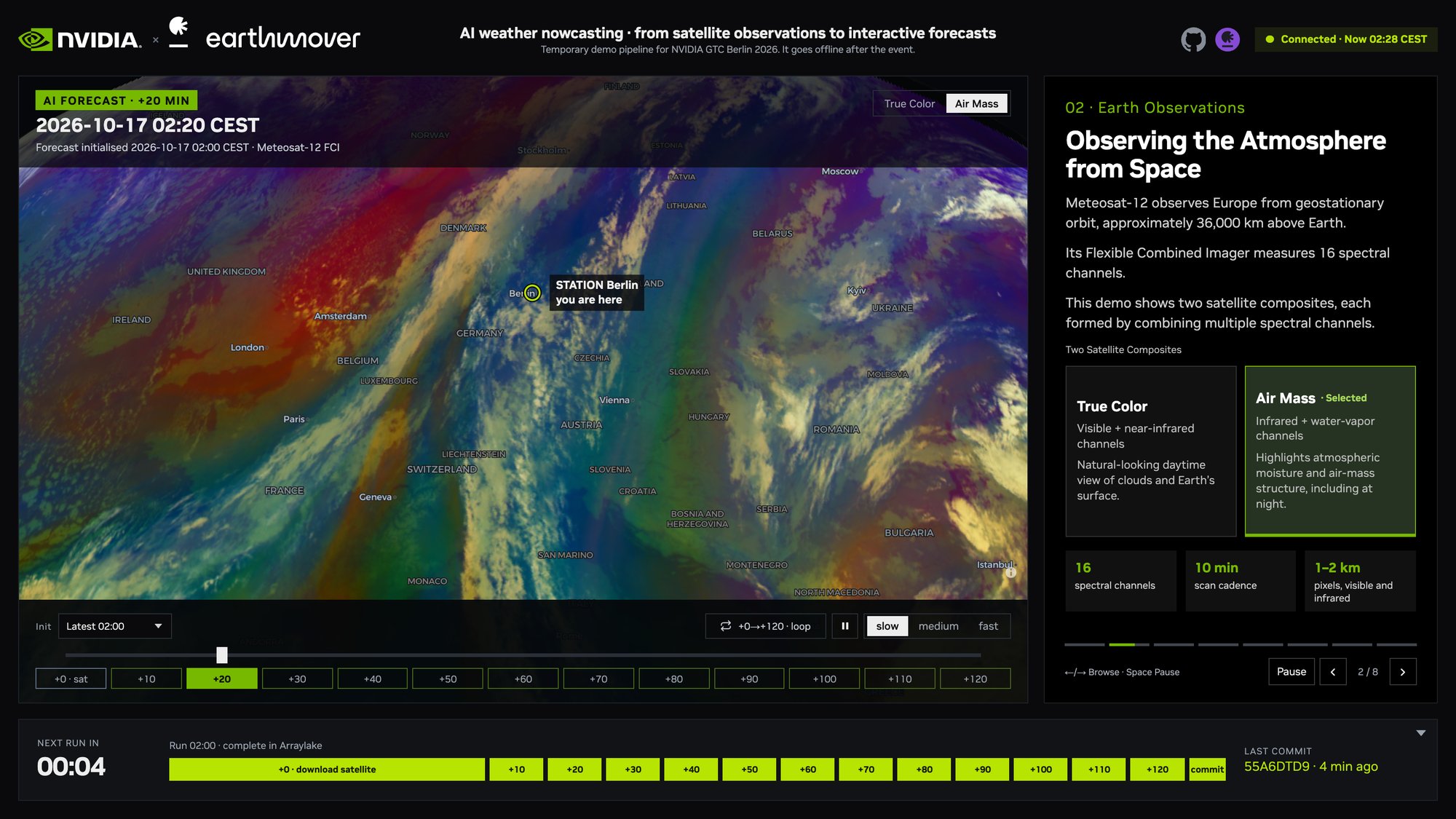
Since Arraylake has a “Bring-Your-Own-Bucket” model, which supports all the major object stores, it can integrate easily with GPU provider platforms. For example, here’s how to deploy inference workloads atop HuggingFace buckets and and here’s how to do inference using NVIDIA’s Earth2Studio. Both of these workloads require pulling chunks from key large scientific datasets direct from Earthmover (in this case to use as initial conditions for weather forecasts).
Result: Arraylake architecture
We have of course just described how Arraylake works. But hopefully now you can see that this architecture is really motivated from first principles.

We did not invent this architecture, it is standard for cloud data warehouses like Snowflake. But those systems were designed specifically around Tabular data, a data model which does not work for the majority of large scientific datasets, which often consist of some kind of multidimensional arrays (see a performance comparison).
Humans and AI have similar needs
One interesting observation here is that most of these recommendations are the same for both agents and humans. If LLMs had never been invented, the same logic would still apply, we would have just stopped after Step 3.
This is why we (Earthmover, and the pre-existing Zarr, Pangeo, and Cloud-Native Geospatial communities) have been advocating for this architecture for years! In fact our co-founder Ryan coined the now-widely-used term “ARCO data” in a 2021 paper, which originally stood for “Analysis-Ready Cloud-Optimized data” but now could equally-well stand for “AI-Ready Cloud-Optimized data”, since the requirements are so similar.
The only real difference is the addition of agentic interfaces on top.
Going further, the next step here would be to add vector embeddings alongside the datasets. Again since you want the embeddings to be consistent with the data (they are a little like summary metadata), Icechunk is very suitable for this, but that topic will have to wait for a future blog post.
Cataloging everything
So what’s stopping us building a single AI-ready catalog of all scientific data in the world? Nothing fundamental, we just need to ensure that the basic data models in use in science are supported.
To this end we have been busy generalizing Arraylake: since science data comes in tables as well as tensors we added Apache Iceberg support, and we are working on generalizing Icechunk to handle more heterogenous datasets such as Level 2 satellite imagery collections.
Conclusion
Our sweeping arc from chunks to catalogs hopefully has demonstrated that there really is only one sensible way to catalog scientific data in the age of AI. It also revealed that the real work is at the data layer, in systems like Icechunk and Arraylake.
From a data access perspective, humans aren’t so different from AI, and the same architectural recommendations can work for many different fields of science.
Software Engineer